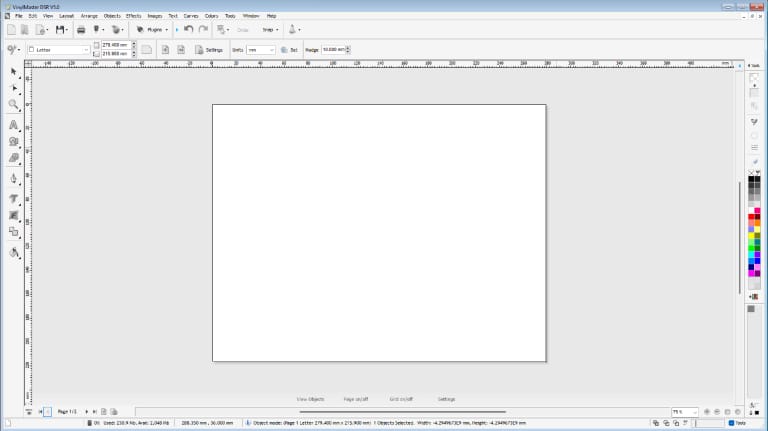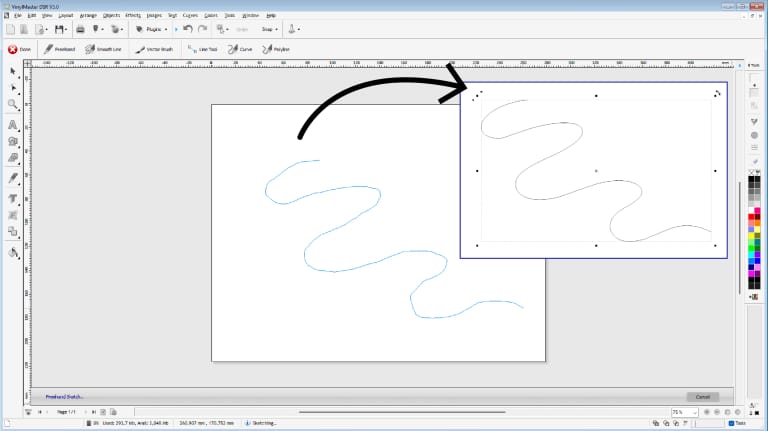

VinylMaster DSR V5

Full-Featured Graphics Design And Sign Software For Experts

Over 1,500 powerful tools and features at your disposal
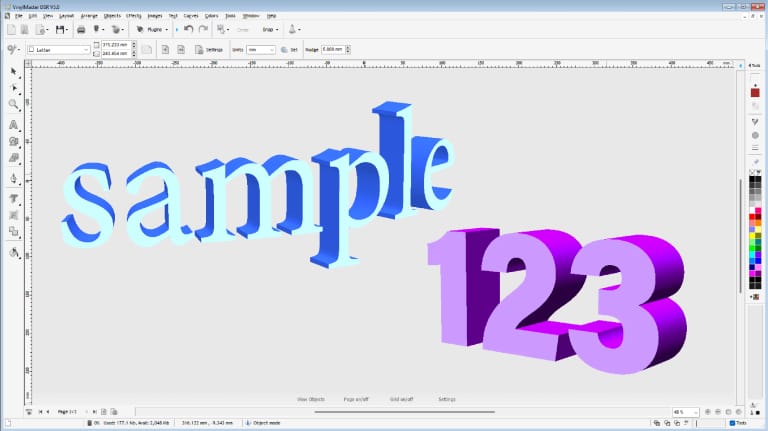
3D modeling and vector effects

10,500 fonts 40,000 logos, 9,609 clipart plus much more!

Looking For Fully Featured Graphic Design And Output Software? Start Here With Vinylmaster DSR
VinylMaster DSR is a full-featured software package for full-featured graphic design and sign software experts. Packed with tools and features to design and output everything from vinyl signs, decals and stickers right through to banners, full color posters and super sites. VinylMaster DSR offers an innovative solution to your graphic design and output needs.
VinylMaster Tools & Features Comparison List
Expand AllV
Plugins & Modules+
User Interface+
Drawing+
Effects+
Special Effects & Shading+
Fill & Pen Styles+
Design Tools+
Color Management & Tools+
Image Filters & Special FX+
Vinyl Cutting+
Cut Document Tools+
Auto Cut+
Weeding Tools+
Vinyl Spooler+
Vinyl Cutter Tools+
Engraving+
Vectorizer (Scan & Trace)+
See What Other Tools & Features VinylMaster DSR Has!
With VinylMaster DSR's suite of tools & features, it is designed to be enjoyed and utilized by diverse designers, industries, and businesses worldwide.
Extras
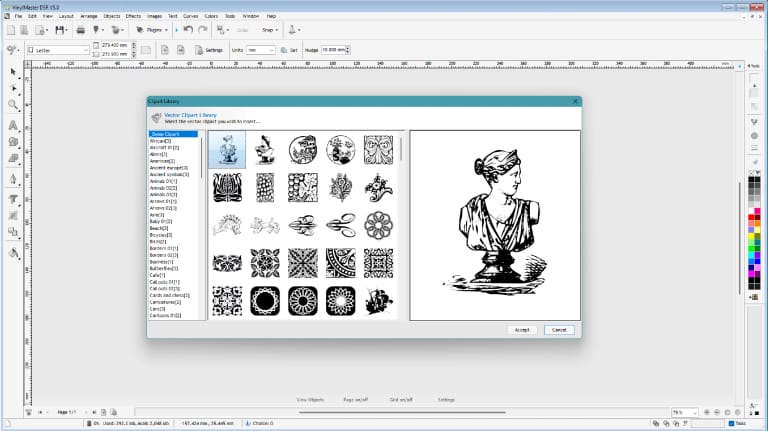
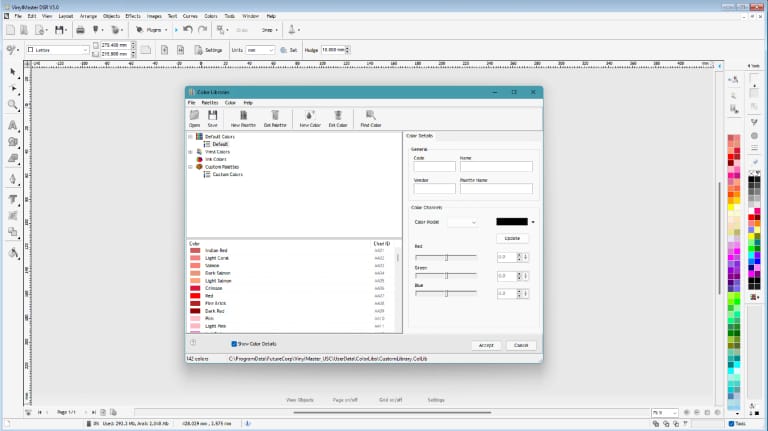
A powerful suite of extras featuring 17279 clipart images, 13900 high quality true type fonts, 820000 corporate logos including 200 of the latest world leading brand logos, in addition to a set of 1500 comprehensive road signs, 2348 high quality textures and 10000+ vinyl color pallets that can be utilised to create impressive designs that reflect your creative potential and advance your business’s productivity.
Plugins & Modules
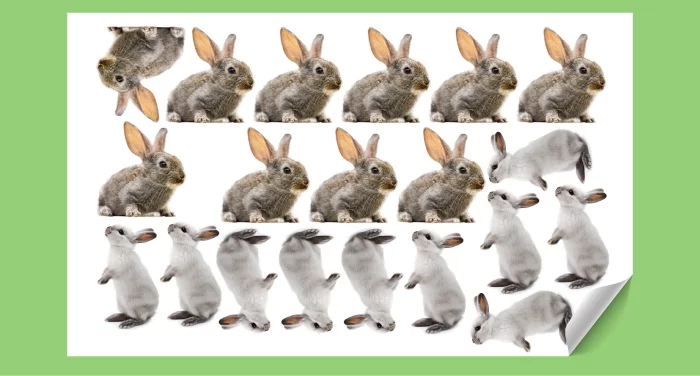
An advanced range of plugins and modules that allow you to fulfil all of your designing desires to ensure that your work is met with nothing other than endless potential. VinylMaster DSR has released brand new plugins and modules such as true nesting which is a specialist module that uses a more sophisticated nesting algorithm to fit even more text and shapes into less area. In addition to this, VinylMaster DSR also includes the image nesting feature which saves you from having to add a mask or transparency to images with a white background, saving you and your business time and money.
Effects
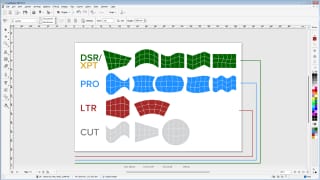
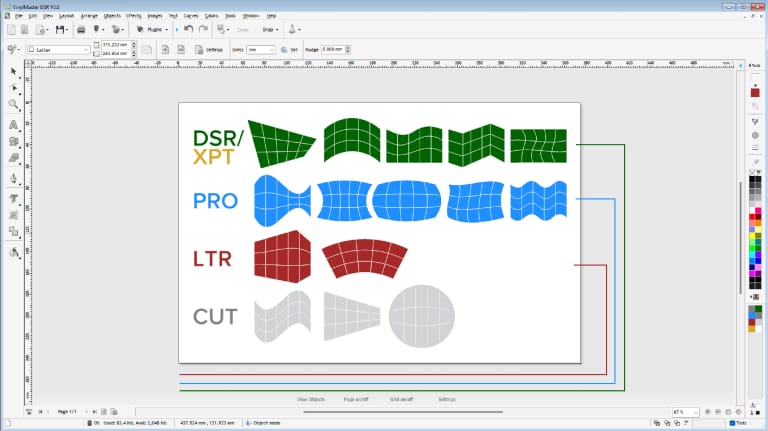
Designing couldn't be easier with the inclusion of our vector effects that provide your business with the utmost potential. VinylMaster DSR comes with a large range of distortions which can be applied to objects including curves, text, and images. In addition, VinylMaster DSR also features block shadow effects and drop shadow effects to ensure your designs stand out and can be catered to your precise needs.
Cut Documents
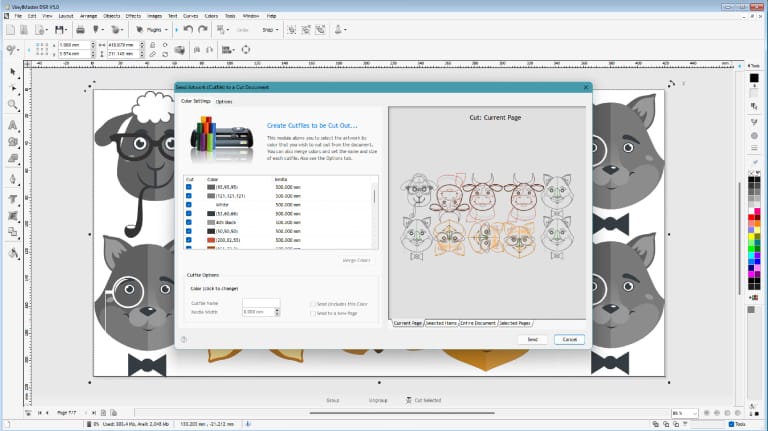
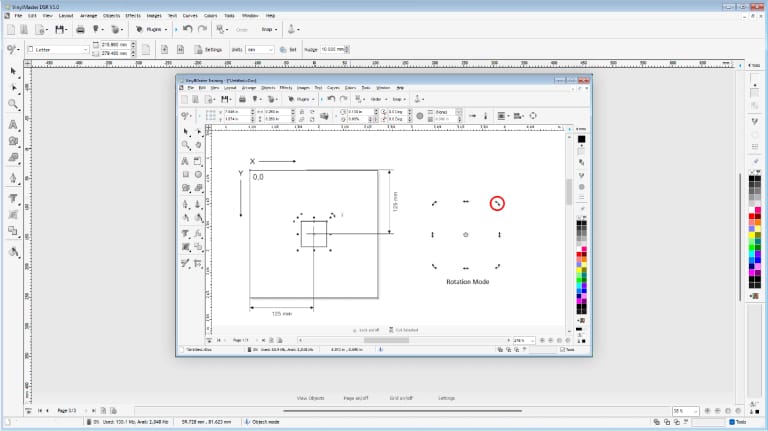
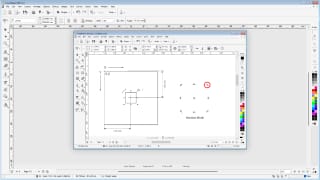
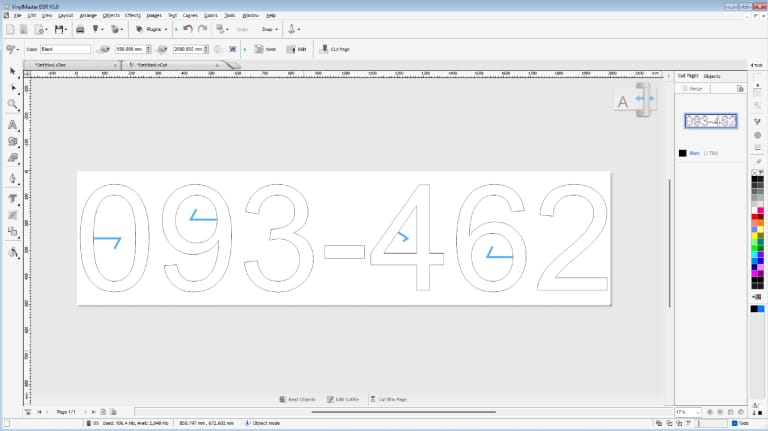
A collection of cut document tools that allow for full control over your artwork through a number of advanced artwork management tools and features to assist in getting cutfiles to the vinyl cutter. Some of these tools include cutfile editing to improve layout and cutting, cropping tools, rotation, size and position tools in addition to dimension tools that illustrate onscreen dimensions of cutter and cutfile which automatically update as changes are made. These tools have been incorporated to ensure that the user has total management over their designs.
Image Effects
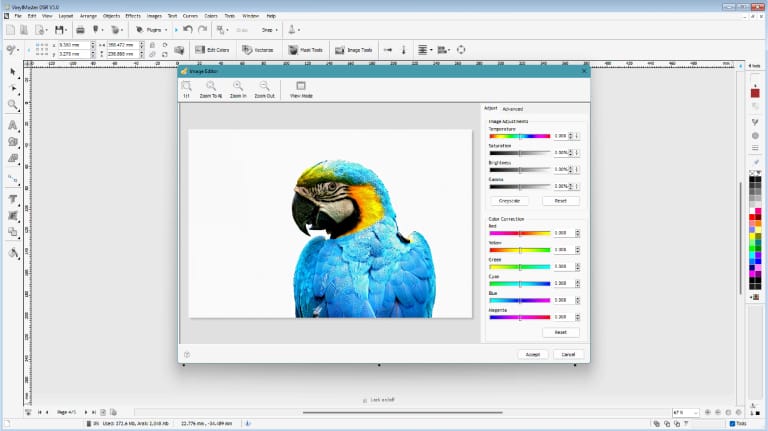
Apply a range of image effects such as basic-bitmap distortions such as flag, 2D perspective, corner, cylinder and arc, advanced bitmap distortions such as fish, squeeze, globe, envelope and wave in addition to bonus-bitmap distortions such as 3D perspective, tube and linear flag and finally duotone effects that allow you to set bitmap color range to two colors to create a duotone effect.
Cut Documents
A collection of cut document tools that allow for full control over your artwork through a number of advanced artwork management tools and features to assist in getting cutfiles to the vinyl cutter. Some of these tools include cutfile editing to improve layout and cutting, cropping tools, rotation, size and position tools in addition to dimension tools that illustrate onscreen dimensions of cutter and cutfile which automatically update as changes are made. These tools have been incorporated to ensure that the user has total management over their designs.
Cutting
Highly powerful cutting tools and features are what continue to distinguish us from our competitors. VinylMaster includes an extensive range of advanced auto-cut and weeding tools that allow you complete control over your cut documents. The interactive vinyl spooler that has been significantly developed with the release of V5 ensures that sending your documents to cut is an effortless, user-friendly process. The software supports more than 5000 cutters with several connection types in addition to supporting QR codes with the release of V5. Cutting has never been easier or more powerful with the essential list of vinyl cutter tools included in VinylMaster.
Vectorizer
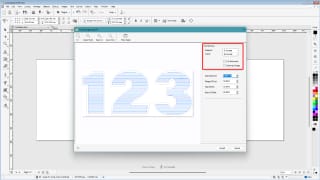
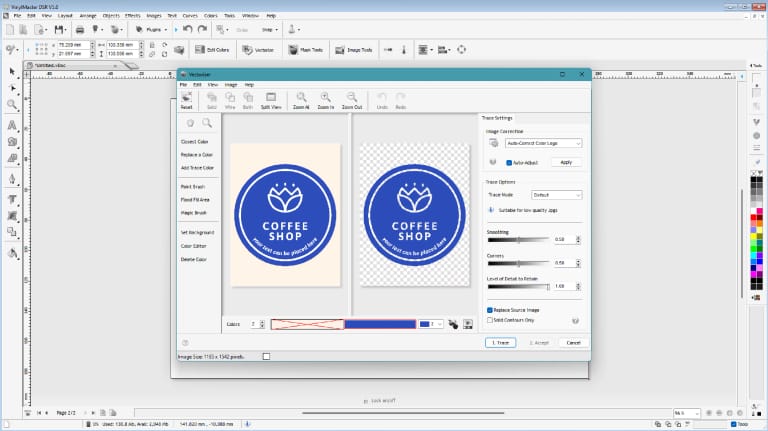
Easily trace around an image or a bitmap to create vector artwork which can be re-scaled without any loss in the artwork’s quality. The vectorizer includes a range of advanced trace options to traces around the pixels of an image or a bitmap to create an editable and scalable set of curves (paths) which can then be cut out with a Vinyl Sign Cutter or drawn with a Pen Plotter.

dsr V5 Purchase Options

One-Time Purchase

A full license does not require any ongoing payments to remain in use (unlocked).

USD $499 Incl. GST

Downloads are available 24/7/365 without restrictions."

All prices in USD$ and subject to tax (if applicable).

Subscriptions

Subscribe monthly and get free upgrades to all the latest tools and features forever.*

USD $24.95 Incl. GST

Downloads are available 24/7/365 without restrictions."

*Until canceled by you.

All prices in USD$ and subject to tax (if applicable).

Pay Over Time

Choose from a number of instalment plans to suit your requirements and budget to own your software forever!


Downloads are available 24/7/365 without restrictions."

All prices in USD$ and subject to tax (if applicable).

Looking For More? Maybe It's Time To Change To Another Level!
VinylMaster DSR is part of a group of advanced and professional levels, with their own suite of tools
& features, designed perfectly to meet your design workspace needs and expectations.

Browse the creative features for; vinyl lettering, logos, signage, decals, posters and many more.
 
Overview
  • Simple vinyl cutting
  • A suite of text, curve, and object tools
  • Supports ARMS and Laser cutters for contour cutting
Product Tiers
Vinyl Cutting Basic
What you can create
  • Simple Vinyl Cutting
  • Vinyl Lettering
  • Logos
  • Pinstriping
Who's it for?
  • Vinyl Lettering
Main features
  • Curve & Shaping Tools
  • Import & Export
  • Vinyl Cutting


Computer Platform
  • Windows 8.1 , 10 and 11
  • All variations in 32/64 Bit)
 
Overview
  • Suite of powerful text, curve and object tools
  • Built in training
Product Tiers
Home/Hobby Entry-Level
What you can create
  • Vinyl Cutting
  • Vinyl Lettering
  • Logos
  • Pinstriping
  • Signage
Who's it for?
  • Vinyl Lettering
  • Craft & Hobby
Main features
  • Vinyl Cutting
  • Engraving
  • Vectorizer


Computer Platform
  • Windows 8.1 , 10 and 11
  • All variations in 32/64 Bit)
 
Overview
  • A suite of powerful text, curve, and object tools
  • Built in training


Product Tiers
Professional Mid-Level
What you can create
  • Vinyl Cutting
  • Wide range of Vinyl Lettering
  • Logos
  • Pinstriping
  • Signage
Who's it for?
  • Box, Card & Paper
  • T-Shirts and Caps
  • Labels, Decals & Stickers
  • Sign Shops
  • Production
Main features
  • ImageCut
  • QR Code Maker
  • IntelrTrack™
  • Parametric Editing
  • Cut Documents


Computer Platform
  • Windows 8.1 , 10 and 11
  • All variations in 32/64 Bit)
 
Overview
  • Same tools & features as VM XPT
  • Large selection of tools & features for designing and laying out all types of designs/artwork
  • Built in training & help
Product Tiers
Designer Full-Featured (not including RIP)
What you can create
  • Vinyl Cutting
  • Wide range of Vinyl Lettering
  • Signage
  • Decals
  • Posters
  • Graphic Artwork
Who's it for?
  • Education
  • Government
  • Print Shops
  • T-Shirts and Caps
  • Craft & Hobby
Main features
  • Font Detective™
  • Special Effects & Shading
  • Masks & Mask Editing
  • Image Effects
  • Effects
  • True Nesting
  • Perimeter Measuring Module


Computer Platform
  • Windows 8.1 , 10 and 11
  • All variations in 32/64 Bit)
 
Overview
  • Full Featured software offering the total solution for all design needs
  • Special Effects
  • Arsenal of text, curve, bitmap, and object tools & features
  • Powerful tracing utility and mask editing
  • Contour cutting
  • Full-featured RIP
  • Built in training & help


Product Tiers
Expert Full-Featured (including RIP)
What you can create
  • Vinyl Cutting
  • Wide range of Vinyl Lettering
  • Vinyl Signs
  • Signage
  • Decals
  • Full-Colour Posters
  • Graphic Artwork
  • Stickers
  • Banners
  • Super sites & more!
Who's it for?
  • Craft & Hobby
  • Government
  • Labels, Decals & Stickers
  • Sign Shops
  • Vinyl Lettering
  • Print Shops
  • Education
  • Production
  • T-Shirts and Caps
  • Box, Card & Paper
Main features
  • Rhinestone Module
  • Blade Compensation
  • Production Queue
  • Easy-Lift Marks™
  • Masks & Mask Editing
  • RIP (Large Format Printing)


Computer Platform
  • Windows 8.1 , 10 and 11
  • All variations in 32/64 Bit)
See The Full VinylMaster Level Comparison List
System Requirements
To operate the Software successfully the following computer configuration is required:
Minimum Computer Configuration
  • Intel Quad-Core+ (32/64Bit)
  • 10Gb+ of available Hard Disk Drive space
  • 8Gb+ RAM • DVD Read/Write Drive
  • 24”+ Color monitor (1920 Pixels+ Wide)
  • 2Gb+ Video/Graphics card
  • 2 Button Scrolling Wheel Mouse
  • Sound & Speakers
  • Microsoft Windows 8.1, 10 or 11 Home (64bit)


Recommended Computer Configuration
  • Intel/AMD 3Ghz+ CPU
  • 50Gb+ of available Hard Disk Drive space
  • 32Gb+ of RAM
  • 24”+ HD Color monitor (1920 Pixels+ Wide) x 2
  • 8Gb+ Video/Graphics card
  • 2 Button Scrolling Wheel Mouse
  • Sound & Speakers
  • Microsoft Windows 11 Pro (64Bit)
Liking What VinylMaster DSR V5 Has To Offer?
Want To Try Before You Buy? Start With A Free Demo

See Why Our Customers Love VinylMaster

We are dedicated to providing our customers with professional and advanced software that is not only easy to use, but at an affordable price as well.

Our software expands past the basic vinyl software as we offer 5 levels for customers to choose from, supporting the perfect level for you and all your creative projects...but don't just take our word for it. Every review collected is submitted by a real VinylMaster customer.
Terrell Green
I run a busy sign shop and have to produce quality designs and fast! VinylMaster was introduced to me a couple of years ago by a buddy of mine and I thought nothing of it at the time, but he insisted I try it and installed it on my design system and man it was the best thing he ever did! We installed it on all our systems and run 5 PRO licenses and I just took a look at DSR and we’re upgrading! It’s the bees knees! Thanks guys!

Gillian Burke
I’m a graphics designer in a small firm and just love using VinylMaster LTR for our sign artwork and for cutting vinyl. It’s just so easy to use and then layout my designs which saves me so much time compared to using Corel or Illy which just don’t have the cool sign tools in VinylMaster. Now we’ve just upgraded to Pro with the cut documents feature which is the best feature yet and I keep finding more tools every time I use it. Great software love it!